Creating an Oracle 11g Database in Windows using command line.
Creating a 11g database is just the same as 10g.
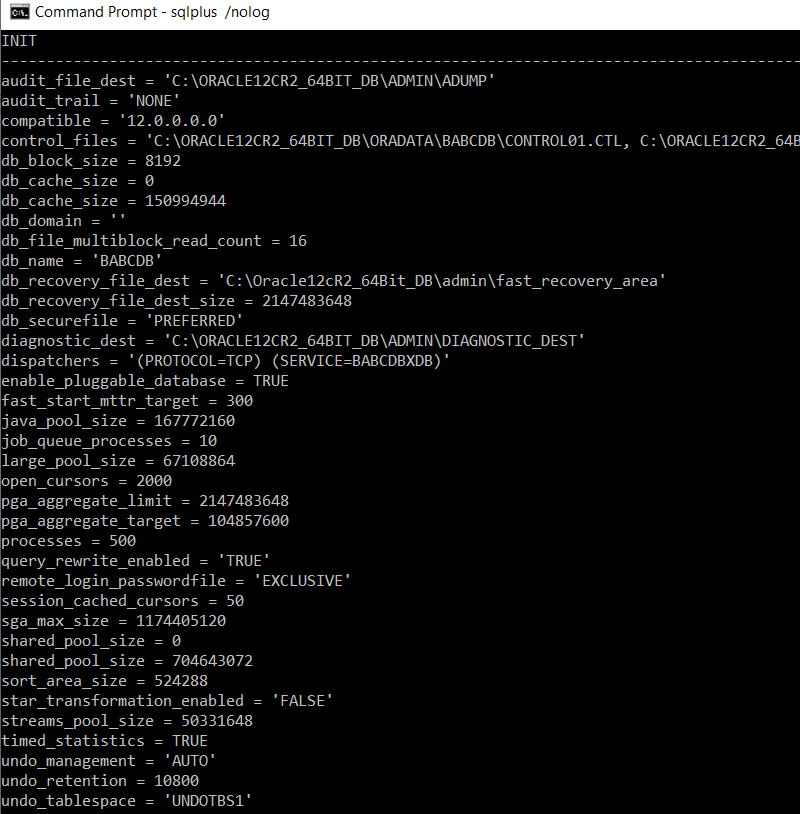
INIT.ORA.Below are the contents of my init.ora:-
db_name='ORA11'
memory_target=1G
processes = 150
audit_file_dest='C:\oracle\ora11\admin\adump'
audit_trail ='db'
db_block_size=8192
db_domain=''
db_recovery_file_dest=C:\oracle\ora11\admin\ORA11\flash_recovery_area
db_recovery_file_dest_size=2G
diagnostic_dest=C:\oracle\ora11\admin\ORA11\diagnostic_dest
dispatchers='(PROTOCOL=TCP) (SERVICE=ORA11XDB)'
open_cursors=300
remote_login_passwordfile='EXCLUSIVE'
undo_tablespace='UNDOTBS1'
control_files = ("C:\oracle\oradata\ORA11\ORA11_CONTROL1.ora", "C:\oracle\oradata\ORA11\ORA11_CONTROL2.ora")
compatible ='11.1.0'
Set Environment Variables:-
set ORACLE_SID=ORA11
set ORACLE_HOME=C:\oracle\ora11
Create Oracle service
C:\oracle\ora11\bin\oradim.exe -new -sid ORA11 -startmode m -INTPWD oracle -PFILE "C:\oracle\ora11\database\initORA11.ora"
Instance created.
Error while deleting value, OS Error = 2
Create Database
C:\>sqlplus /nolog
SQL*Plus: Release 11.1.0.6.0 - Production on Mon Dec 10 15:25:47 2007
Copyright (c) 1982, 2007, Oracle. All rights reserved.
SQL> connect sys/oracle as sysdba
Connected to an idle instance.
SQL> startup nomount pfile="C:\oracle\ora11\database\initORA11.ora"
ORACLE instance started.
Total System Global Area 644468736 bytes
Fixed Size 1335108 bytes
Variable Size 171966652 bytes
Database Buffers 465567744 bytes
Redo Buffers 5599232 bytes
CREATE DATABASE ORA11
USER SYS IDENTIFIED BY ORACLE
USER SYSTEM IDENTIFIED BY ORACLE
DATAFILE 'C:\oracle\oradata\ORA11\SYSTEM01.DBF' SIZE 325M REUSE AUTOEXTEND ON NEXT 10240K MAXSIZE UNLIMITED
SYSAUX DATAFILE 'C:\oracle\oradata\ORA11\SYSAUX01.DAT' SIZE 120M REUSE AUTOEXTEND ON NEXT 5M MAXSIZE 2048M
DEFAULT TABLESPACE USERS DATAFILE 'C:\oracle\oradata\ORA11\USERS01.DBF' SIZE 50M REUSE AUTOEXTEND ON MAXSIZE UNLIMITED
DEFAULT TEMPORARY TABLESPACE TEMP TEMPFILE 'C:\oracle\oradata\ORA11\TEMP01.DBF' SIZE 40M REUSE AUTOEXTEND ON NEXT 640K MAXSIZE UNLIMITED
UNDO TABLESPACE "UNDOTBS1" DATAFILE 'C:\oracle\oradata\ORA11\UNDOTBS01.DBF'
SIZE 200M REUSE AUTOEXTEND ON NEXT 5120K MAXSIZE UNLIMITED
CHARACTER SET WE8MSWIN1252
NATIONAL CHARACTER SET AL16UTF16
LOGFILE 'C:\oracle\oradata\ORA11\REDO01.LOG' SIZE 100M REUSE,
'C:\oracle\oradata\ORA11\REDO02.LOG' SIZE 100M REUSE,
'C:\oracle\oradata\ORA11\REDO03.LOG' SIZE 100MREUSE
EXTENT MANAGEMENT LOCAL
MAXLOGFILES 32
MAXLOGMEMBERS 4
MAXLOGHISTORY 100
MAXDATAFILES 254
MAXINSTANCES 1;
@C:\oracle\ora11\rdbms\admin\catalog.sql
@C:\oracle\ora11\rdbms\admin\catproc.sql
SQL> connect system/ORACLE as sysdba
Connected.
@C:\oracle\ora11\sqlplus\admin\pupbld.sql
SQL> select program from v$session;
PROGRAM
-----------------------
sqlplus.exe
ORACLE.EXE (q001)
ORACLE.EXE (CJQ0)
ORACLE.EXE (q000)
ORACLE.EXE (W000)
ORACLE.EXE (QMNC)
ORACLE.EXE (FBDA)
ORACLE.EXE (SMCO)
ORACLE.EXE (MMNL)
ORACLE.EXE (MMON)
ORACLE.EXE (RECO)
ORACLE.EXE (SMON)
ORACLE.EXE (CKPT)
ORACLE.EXE (LGWR)
ORACLE.EXE (DBW0)
ORACLE.EXE (MMAN)
ORACLE.EXE (DIA0)
ORACLE.EXE (PSP0)
ORACLE.EXE (DBRM)
ORACLE.EXE (DIAG)
ORACLE.EXE (VKTM)
ORACLE.EXE (PMON)
22 rows selected.
Drop Database
SQL> connect sys/oracle as sysdba
Connected.
SQL> shutdown immediate;
Database closed.
Database dismounted.
ORACLE instance shut down.
SQL> startup mount exclusive;
ORACLE instance started.
Total System Global Area 644468736 bytes
Fixed Size 1335108 bytes
Variable Size 171966652 bytes
Database Buffers 465567744 bytes
Redo Buffers 5599232 bytes
Database mounted.
SQL> alter system enable restricted session;
System altered.
SQL> drop DATABASE ;
Database dropped.
Disconnected from Oracle Database 11g Enterprise Edition Release 11.1.0.6.0 - Production
With the Partitioning, OLAP, Data Mining and Real Application Testing options
or
SQL> STARTUP mount RESTRICT EXCLUSIVE;
ORACLE instance started.
Total System Global Area 644468736 bytes
Fixed Size 1335108 bytes
Variable Size 171966652 bytes
Database Buffers 465567744 bytes
Redo Buffers 5599232 bytes
Database mounted.
SQL> drop DATABASE ;
Operation 203 succeeded.
Version
SQL> select * from v$version;
BANNER
--------------------------------------------------------------------------------
Oracle Database 11g Enterprise Edition Release 11.1.0.6.0 - Production
PL/SQL Release 11.1.0.6.0 - Production
CORE 11.1.0.6.0 Production
TNS for 32-bit Windows: Version 11.1.0.6.0 - Production
NLSRTL Version 11.1.0.6.0 - Production
5 rows selected.
Following messages were noted in Alert.ora
Tue Dec 11 08:36:23 2007
Warning: chk_tab_prop - table doesn't exist :SYS.KUPC$DATAPUMP_QUETAB
Warning: chk_tab_prop - table doesn't exist :SYS.AQ$_KUPC$DATAPUMP_QUETAB_S
Warning: chk_tab_prop - table doesn't exist :SYS.AQ$_KUPC$DATAPUMP_QUETAB_I
Warning: chk_tab_prop - table doesn't exist :SYS.AQ$_KUPC$DATAPUMP_QUETAB_H
Warning: chk_tab_prop - table doesn't exist :SYS.AQ$_KUPC$DATAPUMP_QUETAB_T
Warning: chk_tab_prop - table doesn't exist :SYS.AQ$_KUPC$DATAPUMP_QUETAB_G
Warning: chk_tab_prop - table doesn't exist :SYS.AQ$_KUPC$DATAPUMP_QUETAB_P
Warning: chk_tab_prop - table doesn't exist :SYS.AQ$_KUPC$DATAPUMP_QUETAB_D
Tue Dec 11 08:39:11 2007
SERVER COMPONENT id=CATPROC: timestamp=2007-12-11 08:39:11